Create
Enter a destination and download a clean PNG or SVG.
Editable dynamic QR codes for real-world links
Create managed QR codes for website URLs, download print-ready PNG or SVG files, update destinations after printing, and track scan activity.
3 managed QR codes free · no card required · free codes do not expire on a timer
Start with the destination
Enter the live page now. You can change this destination later without replacing the printed QR code.
Enter a destination and download a clean PNG or SVG.
Print or share the dynamic QR URL wherever it needs to live.
Change the target later while the original QR keeps working.
Dynamic QR code use cases
Print one dynamic QR code on a box or insert, then keep the setup guide, product page, or support destination current as the product changes.
Reuse QR codes on posters, flyers, and direct mail while offers, event dates, and landing pages move forward.
Update the page behind a table card, venue sign, or counter display without asking staff to replace every printed piece.
Product evidence
UseDynamicQR keeps the workflow focused on editable website links, dependable redirects, print-ready batches, and privacy-conscious scan activity.
See managed-code capacity, batch limits, and the scan-history window included with the account.

Review daily aggregate scans without storing raw visitor IP addresses, referrers, or browser fingerprints.
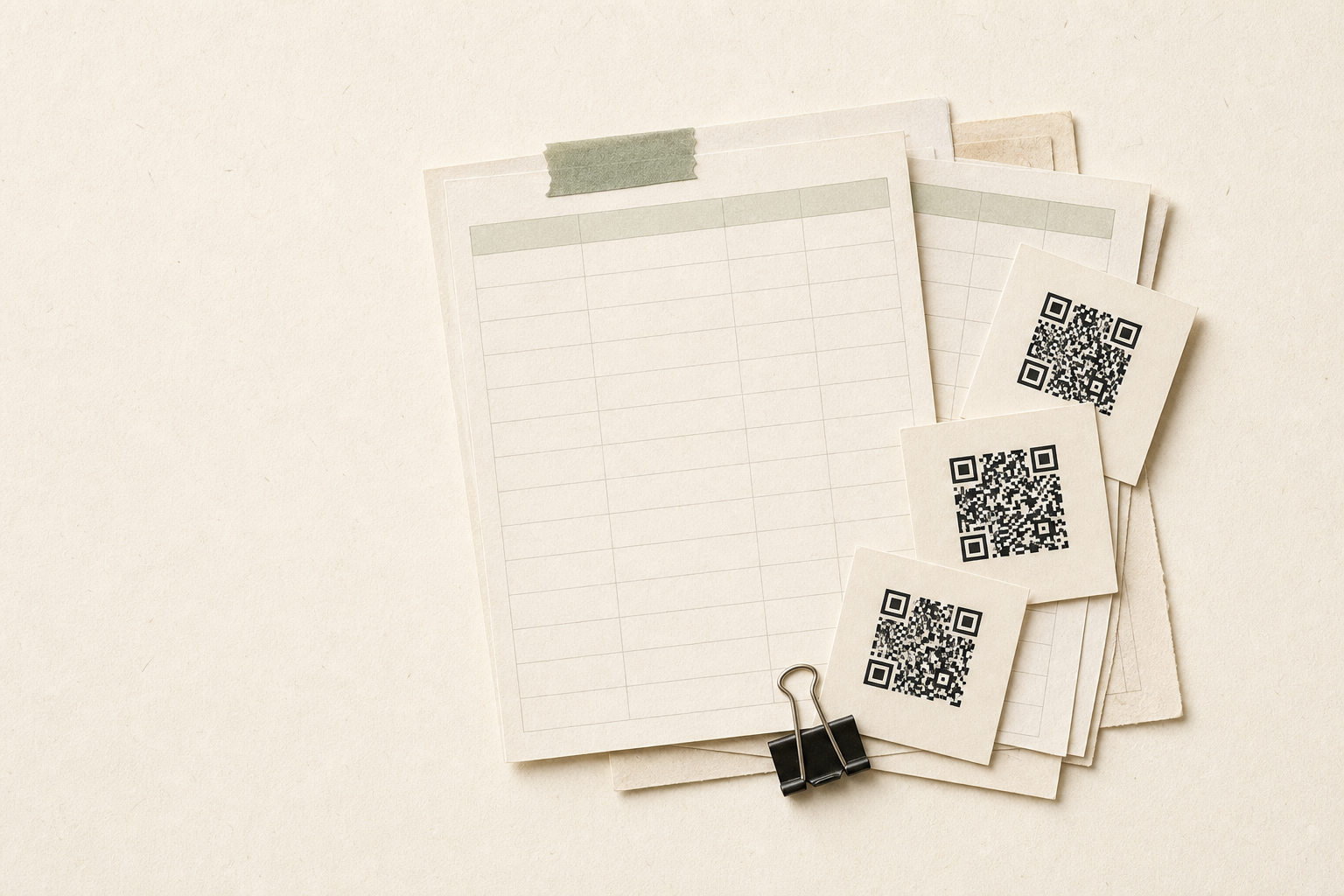
Start from the CSV template, preview the rows, then validate the full batch before anything is created.
Choose a focused tool for one editable link or a full spreadsheet batch, then keep each destination under control after printing.
Change a QR code destination after printing without changing the QR image.
Learn moreTurn a public website link into a managed QR code with PNG and SVG downloads.
Learn moreCreate dynamic QR codes from CSV or Excel and download a ZIP with mapping.csv.
Learn moreEvery scan checks the latest destination, validates the link, and avoids stale redirect caching so printed QR codes update promptly.
Dynamic QR code FAQ
The QR image stores a stable UseDynamicQR URL. Each scan looks up the latest safe destination, so changing the target does not require a new print run.
A dynamic QR code contains a managed redirect URL instead of the final destination. You can update that destination without changing the printed QR image.
Yes. Edit the target URL in your dashboard and future scans use the new destination while the QR image and slug remain unchanged.
The free workspace has no trial timer. Its three managed QR codes remain subject to account limits, safety checks, abuse controls, and service status.
Yes. A static QR code stores its final content directly and cannot be edited after printing. A dynamic QR code stores a managed redirect.