CSV and XLSX input
Import a required target_url column and an optional name. Blank names are generated from each destination.
Bulk dynamic QR code generator
Review an entire spreadsheet before creation, generate every editable QR code together, and download a PNG or SVG ZIP with a mapping CSV for print and production teams.
No card required · 3 managed QR codes free
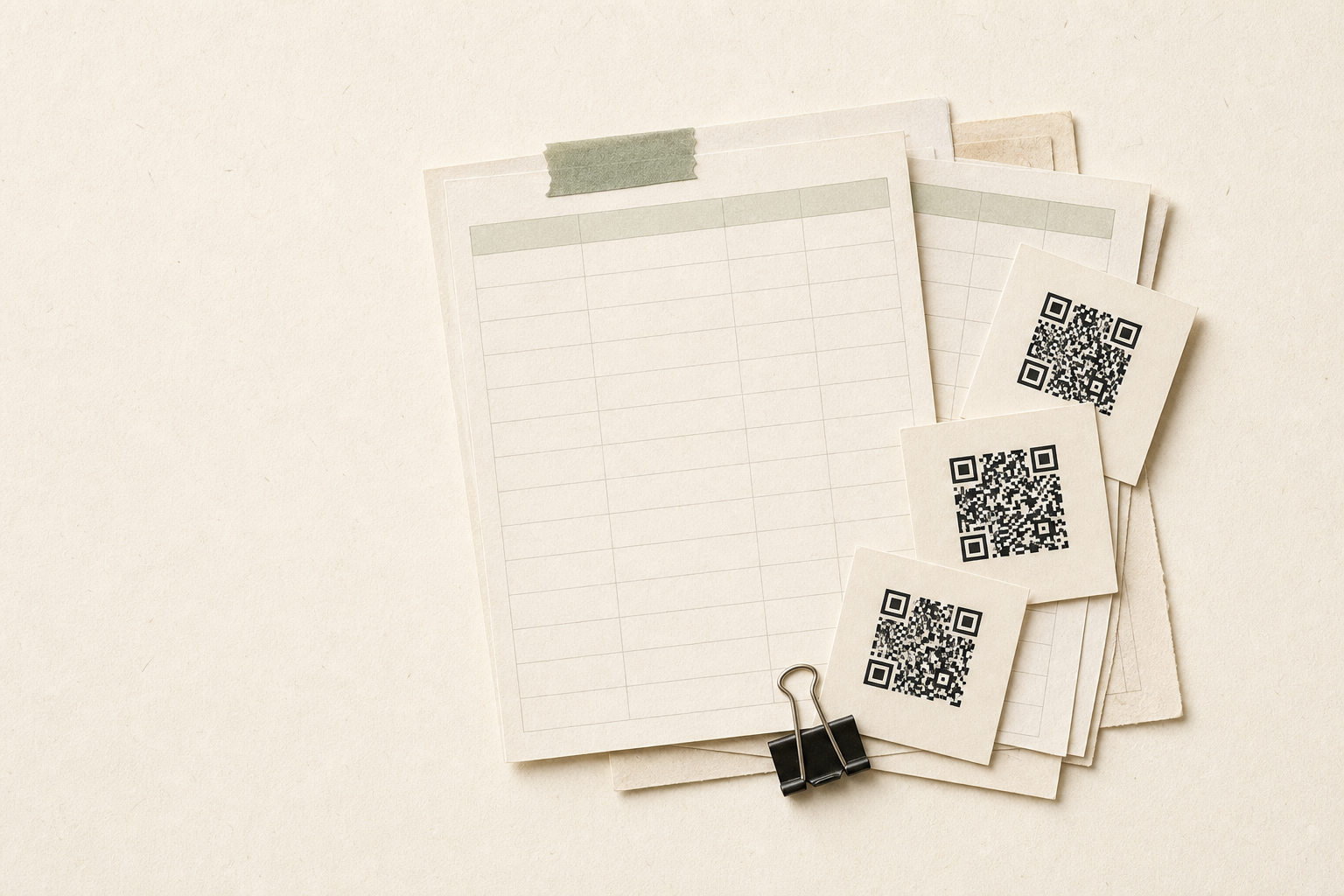
Start with your spreadsheet
Start from the template, replace the example rows, and review the file before you continue.
Download the template
target_url is required. name is optional and comes second; blank names are generated from the destination URL.
Replace the example rows
Keep target_url as the first column. Files may contain up to 100 rows depending on your plan. The 5 MB ceiling only protects in-browser parsing.
The server precheck runs after sign-in. No QR codes are created from this page.
Import a required target_url column and an optional name. Blank names are generated from each destination.
If any row fails validation or safety checks, zero QR codes are created. Fix the file and retry.
Download every QR image together with the original row, name, dynamic URL, and destination mapping.
Where it helps
Generate one editable QR code per product, asset, or location while preserving the spreadsheet row-to-file match.
Prepare QR codes for booths, sessions, badges, or handouts and deliver the full image set in one ZIP.
Create location-specific or partner-specific QR codes, then keep each destination editable after printing.
After the batch ships
Each created code keeps its editable destination, revision history, download formats, and first-party daily scan activity.

Use a CSV or XLSX file with target_url first and an optional name in the second column.
The batch is normalized, deduplicated, safety-checked, and compared with plan limits.
Create the complete batch together, then download PNG or SVG assets and the source mapping.
Starter supports up to 25 rows per batch. Pro supports up to 100 rows per batch, subject to the account’s managed QR limit.
The precheck returns row-level errors and creates nothing. Bulk creation is all-or-nothing.
Yes. The bulk operation and source row order are stored so the ZIP and mapping can be regenerated after a refresh.
No. UseDynamicQR uses secure random links and standard black-and-white QR rendering to keep bulk output reliable and easy to scan.