Keep the same QR image
The slug and QR pattern are immutable, so your existing print remains usable after a destination update.
Editable QR codes for printed links
Use one QR code in the real world, then update where it sends people from a secure dashboard. Keep campaigns accurate when pages, offers, or product links change.
No card required · 3 managed QR codes free
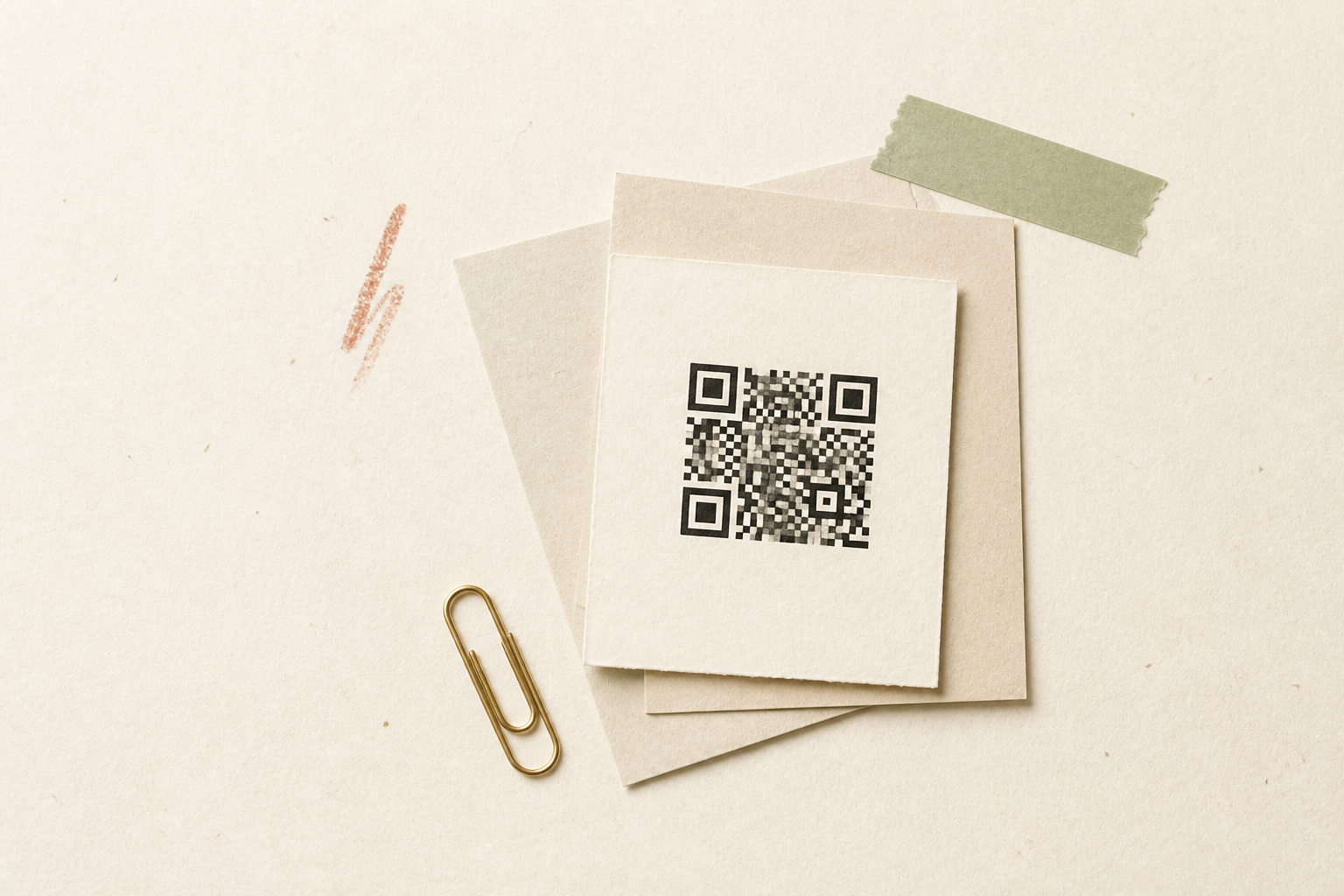
Start with the destination
Enter the live page now. You can change this destination later without replacing the printed QR code.
The slug and QR pattern are immutable, so your existing print remains usable after a destination update.
Every target change creates a revision so you can see when the destination was updated.
Pause, resume, or archive a code without deleting its history or reassigning its slug.
Where it helps
Keep setup guides, warranty pages, and product information current after boxes and inserts have shipped.
Move a printed QR code to a seasonal page, updated menu, or new booking flow without replacing the sign.
Reuse the same printed placement while landing pages, dates, or calls to action change.
Real QR workspace
Copy or test the dynamic URL, update its destination, download the same QR again, and review first-party daily scan activity.

Start with the destination that should be live today.
Print the PNG or SVG on material you do not want to replace later.
Change the destination with URL validation and a clear history of every update.
No. The QR must contain a managed redirect from the beginning. A static code already stores its final destination in the printed pattern.
No. Only the destination stored behind the redirect changes. The QR image and slug remain the same.
Redirects are not cached, so the next scan can use the latest approved destination without waiting for an old link to expire.
Yes. Archived codes can be resumed when account, plan, block, and URL safety status allow it.